Users, profile & roles
Profile
Under Settings → Profile you change your display name and password and manage two-factor authentication.
Team members
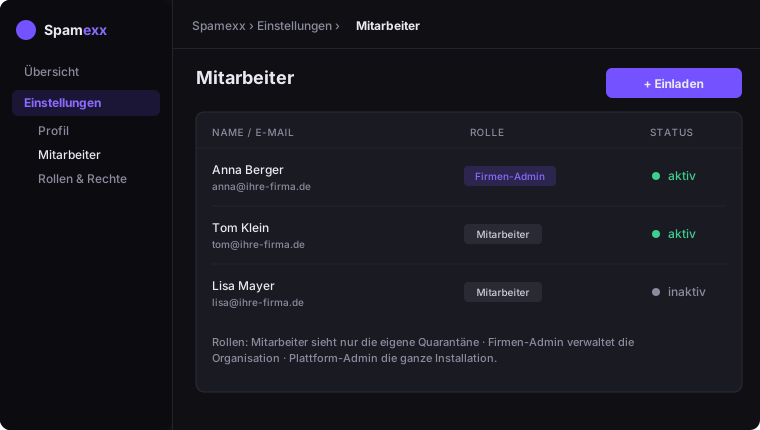
Company admins invite additional users of their organization under Settings → Team members and toggle them active/inactive.
Roles & permissions
The platform has fine-grained permissions. Common roles:
- Member – sees only the quarantine addressed to them
- Company admin – manages domains, mailboxes, lists and members of their own organization
- Platform admin – technical administration of the whole installation
Roles & permissions are maintained by the platform admin under Settings → Roles & permissions.