Spam settings & lists
Sensitivity & handling
Under Settings → Account you control:
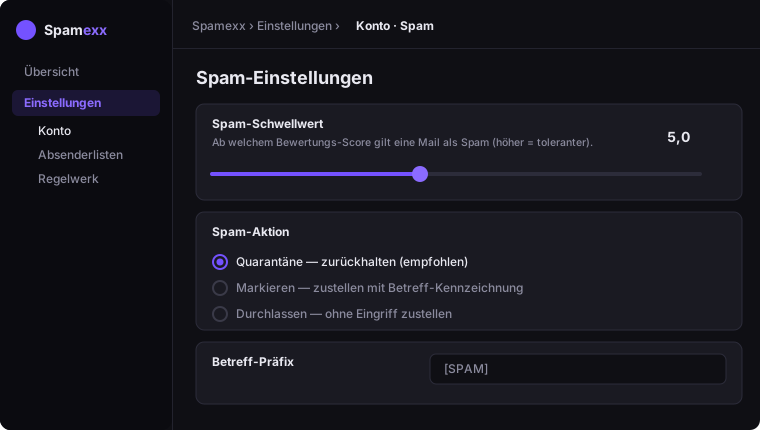
- Spam threshold – the score above which a mail counts as spam (higher = more tolerant).
- Spam action – quarantine (hold), tag (deliver with a subject marker) or pass.
- Subject prefix – e.g.
[SPAM]when tagging.
White- & blacklist
Under Settings → Whitelist/Blacklist define senders that are always delivered or always blocked:
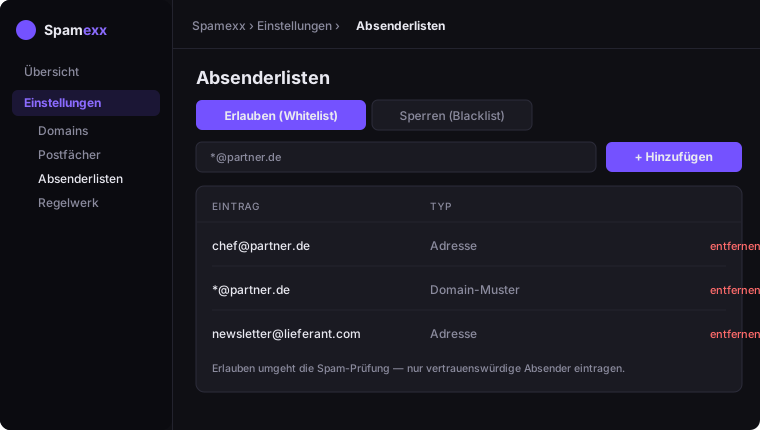
- exact address, e.g.
boss@partner.com - a whole domain via pattern, e.g.
*@partner.com
Whitelist entries bypass the spam check – only add trusted senders.