Manage mailboxes
Mailboxes are the protected recipient addresses of your domains. Manage them under Settings → Mailboxes.
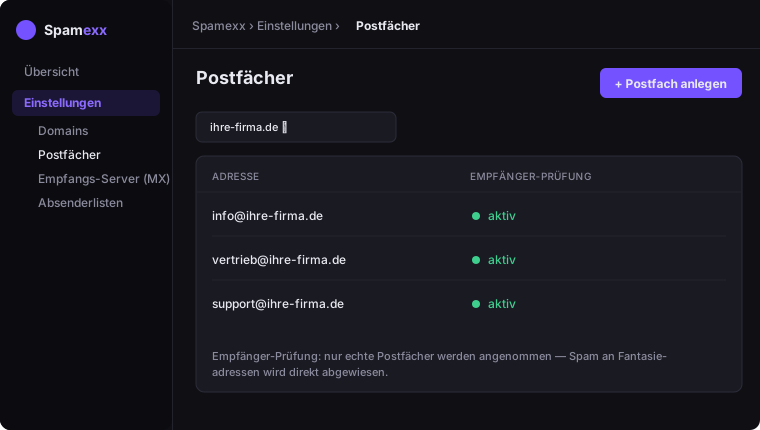
Recipient verification
Per domain you decide how unknown recipients are handled:
- Recipient verification on – only known, active mailboxes are accepted; everything else is rejected. Recommended once your list is complete.
- Auto-create – a mailbox is created automatically on first delivery to a new address.
Notes
- A mailbox address is immutable; you can only toggle it active/inactive.
- The number of mailboxes and domains depends on your plan (see Plans & billing).