Dashboard & logs
Dashboard
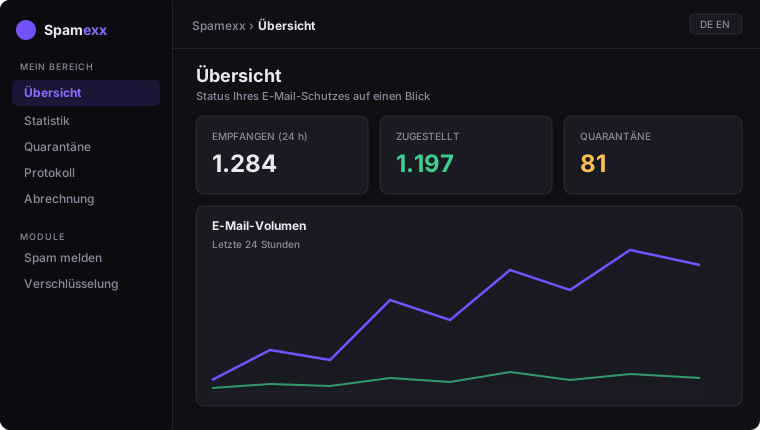
The dashboard shows volume, spam and virus rate, deliveries and the trend over time at a glance.
Logs (mail log)
Under Logs you see every processed message with sender, recipient, subject, score and result (delivered / quarantine / rejected). Per mail you can inspect the individual results of the check modules – so you can see why a mail was classified.
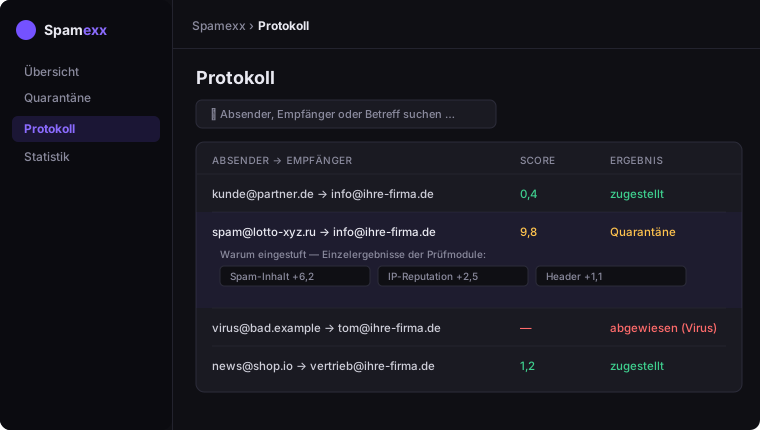
This quickly tells you whether a missing mail was rejected or is in quarantine.